 POWKONG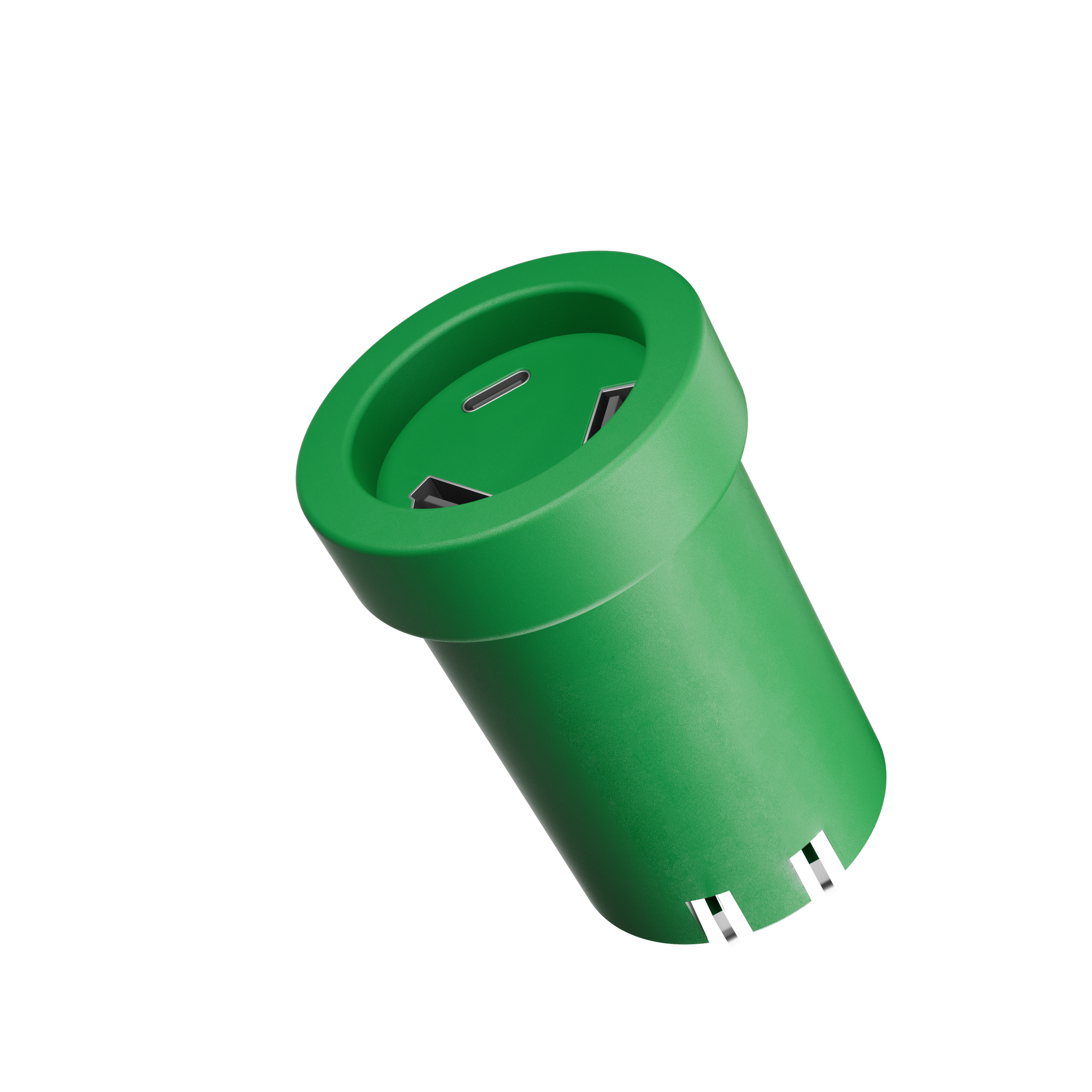
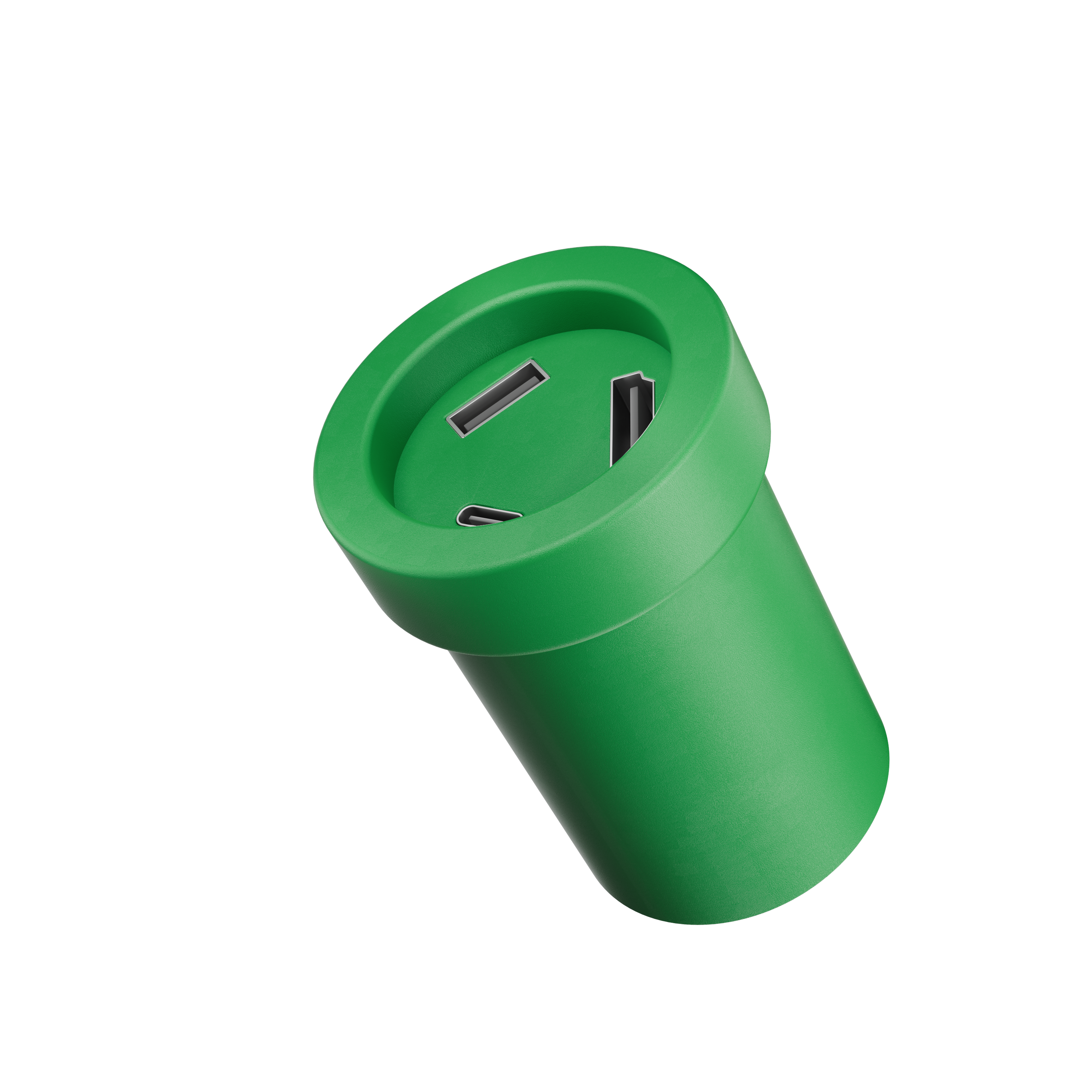
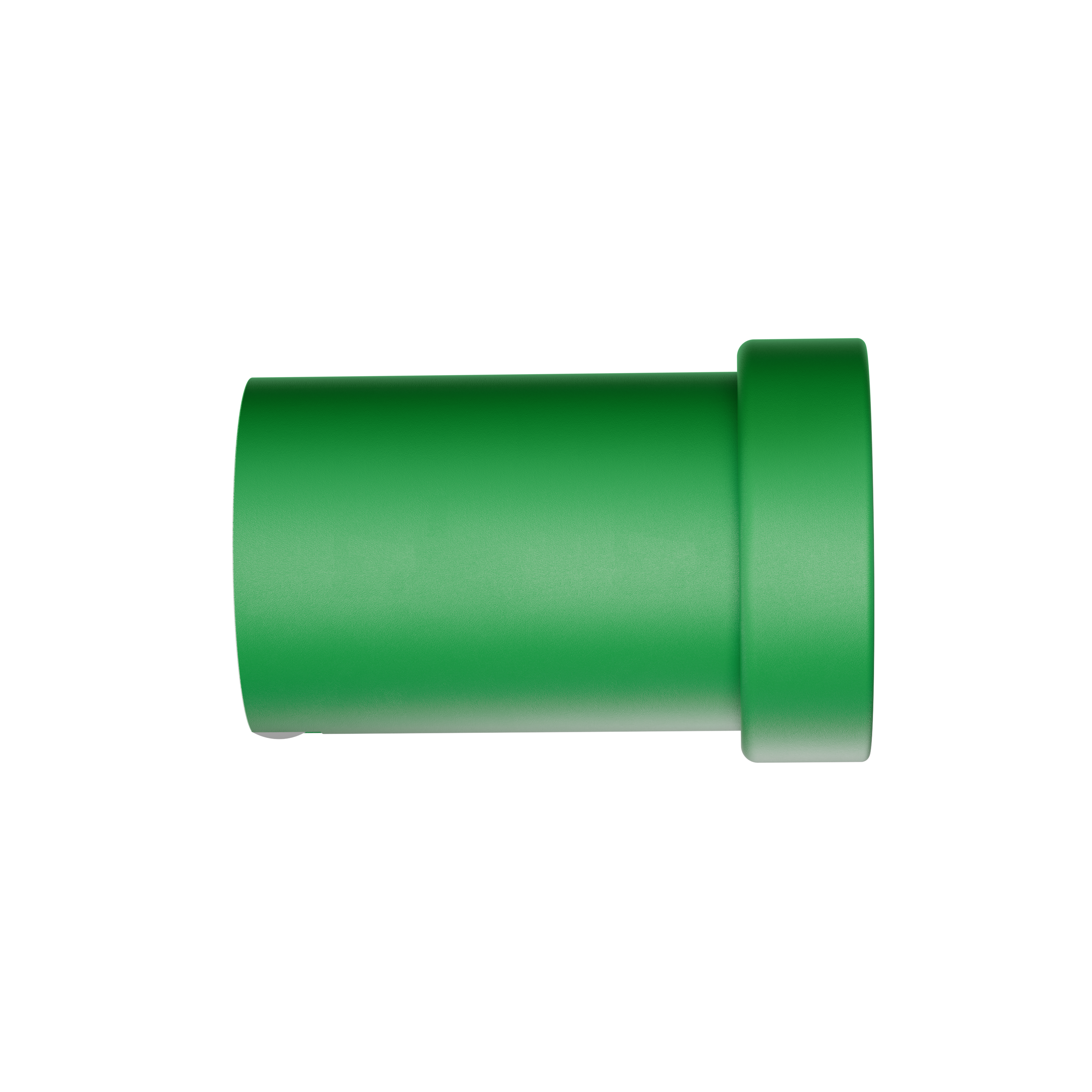
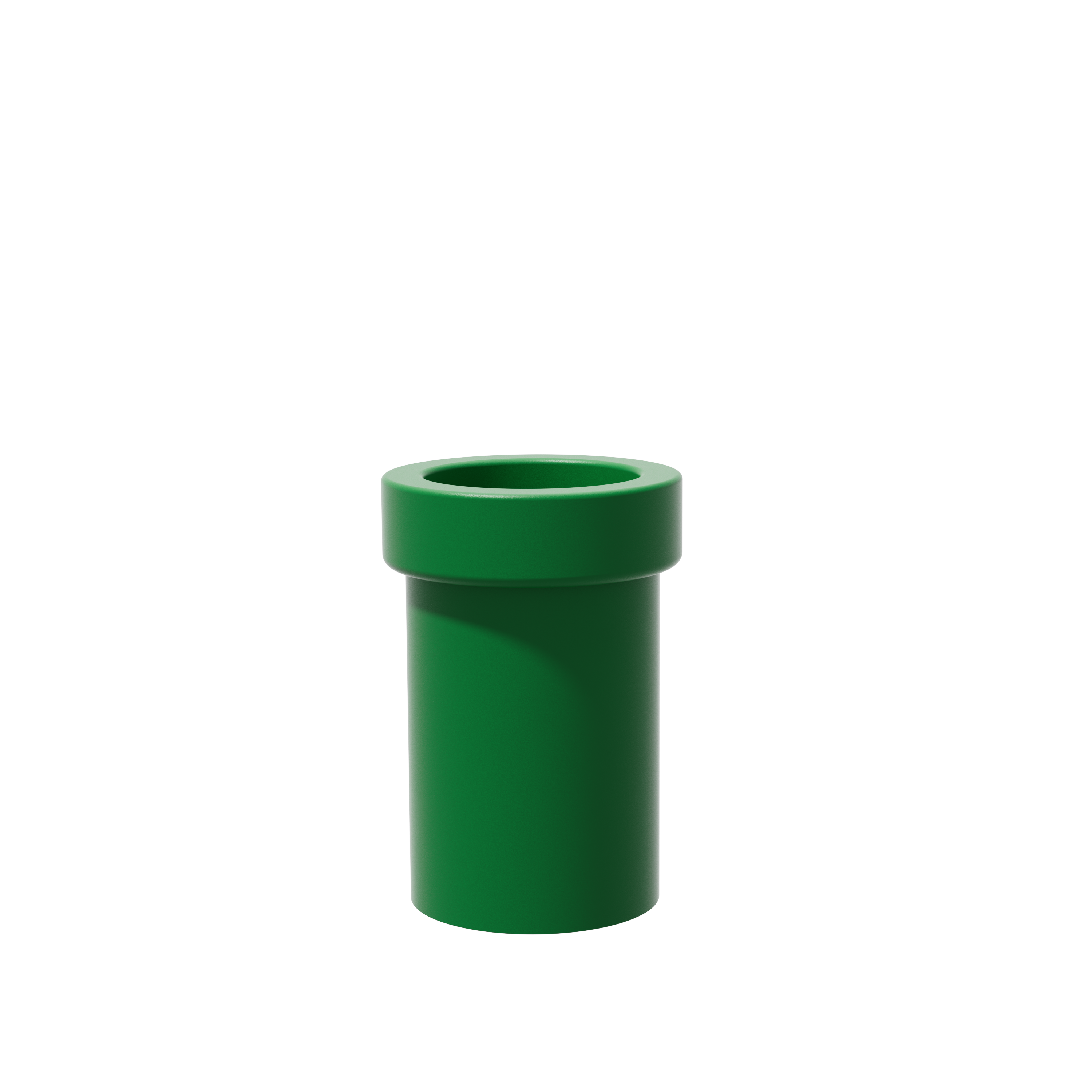
POWKONG Pipe Dock Gen 2
Portable Switch 2 Dock & USB-C Charger
水管二代 · 便携拓展坞与 USB-C 充电器
Coming soon售价待确认
Charge, display and connect — in a little green pipe that goes where you play.
把充电、大屏输出与外设连接,装进随你出发的小水管。
Key features / 核心能力
充电与拓展合一、最高 4K/60Hz 输出、Switch 2 VRR、最高 60W USB-C PD、兼容设备拓展与电脑有线固件升级。
Setup & compatibility / 连接与兼容
需要兼容设备、支持视频的 USB-C 线及 HDMI 线。显示能力取决于完整连接配置;线材是否随附以最终套装为准。
Small pipe.
Big-screen
plans.
小小水管,
装下大屏
计划。
A weekend away. A friend’s place. Your next game night. Charging and HDMI docking, together in one playful green pipe.
周末出门、去朋友家,或下一场游戏聚会。把充电与 HDMI 拓展,装进一块有玩心的小水管。
Build your setup ↗搭配你的装备 ↗Nintendo Switch / Switch 2 · Compatible USB-C devices
MORE GAME.
GAME NIGHT ✦
Your next game night has a new address.
At a friend’s place or in a hotel room, connect your Switch 2 to a compatible HDMI TV or monitor. Let everyone follow the action on the big screen while the dock supplies power to your console.
下一场游戏之夜,换个地址。
在朋友家或酒店房间,把Switch 2接到兼容的HDMI电视或显示器。大家一起看清大屏上的战况,拓展坞同时为主机供电。
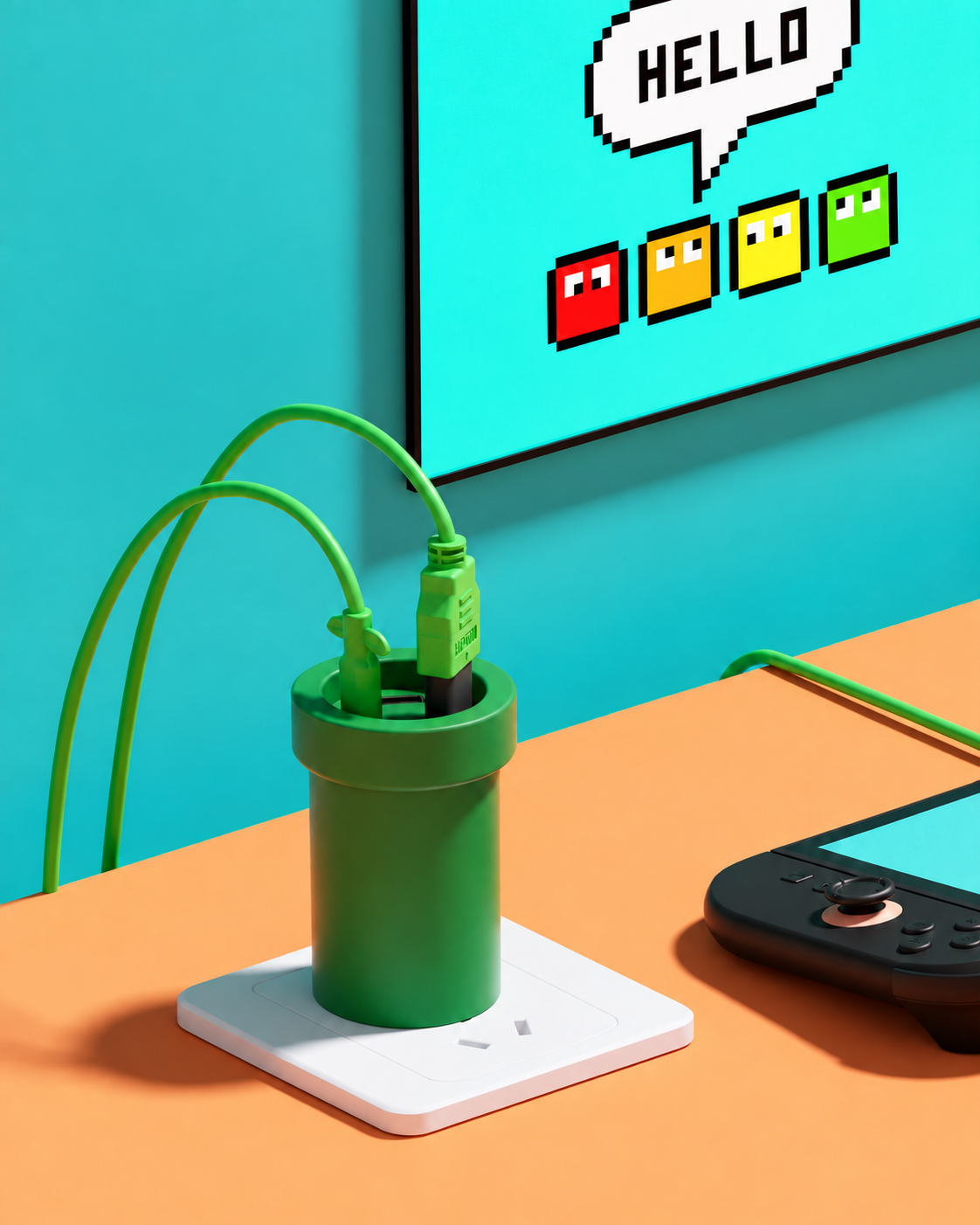
Less gear. More room.
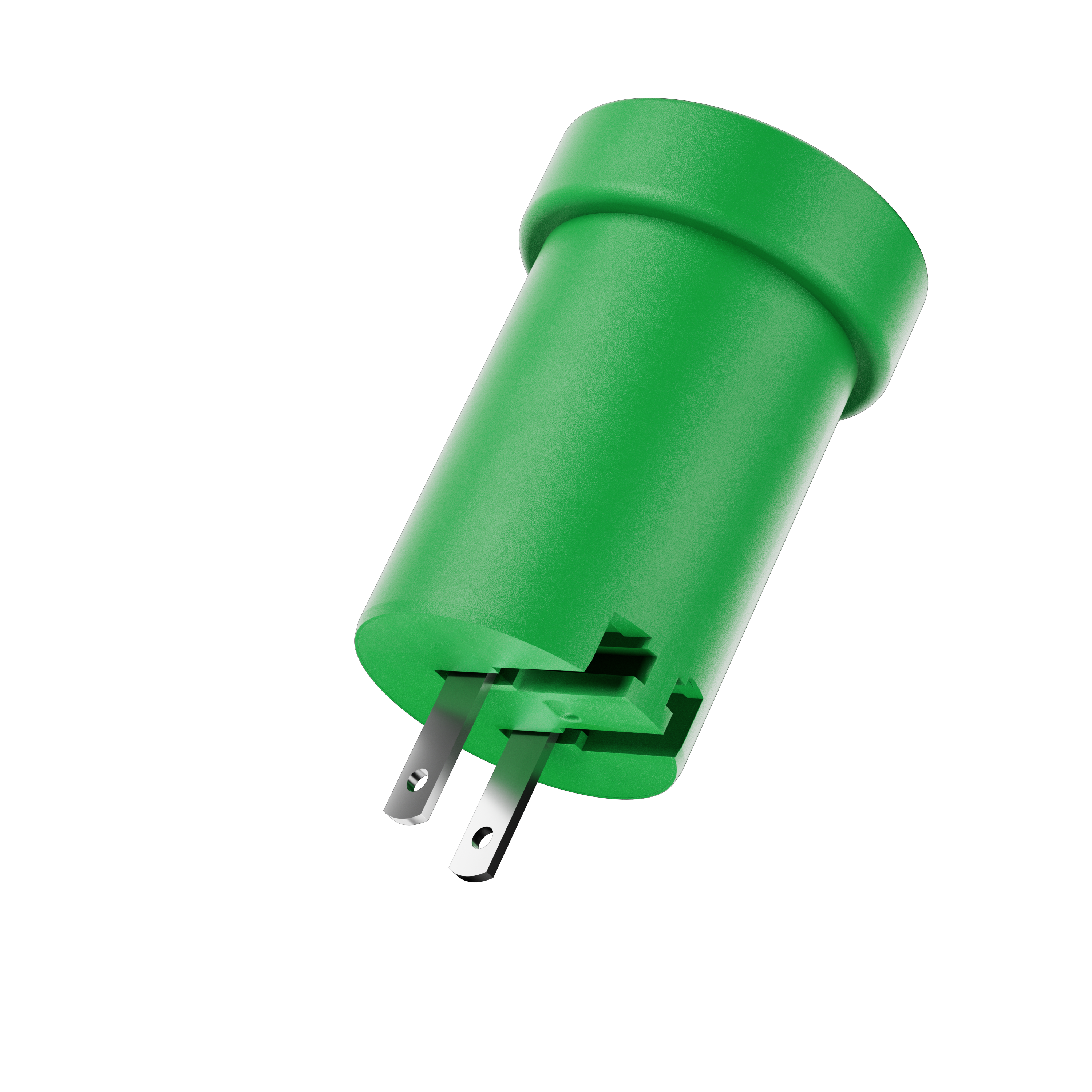
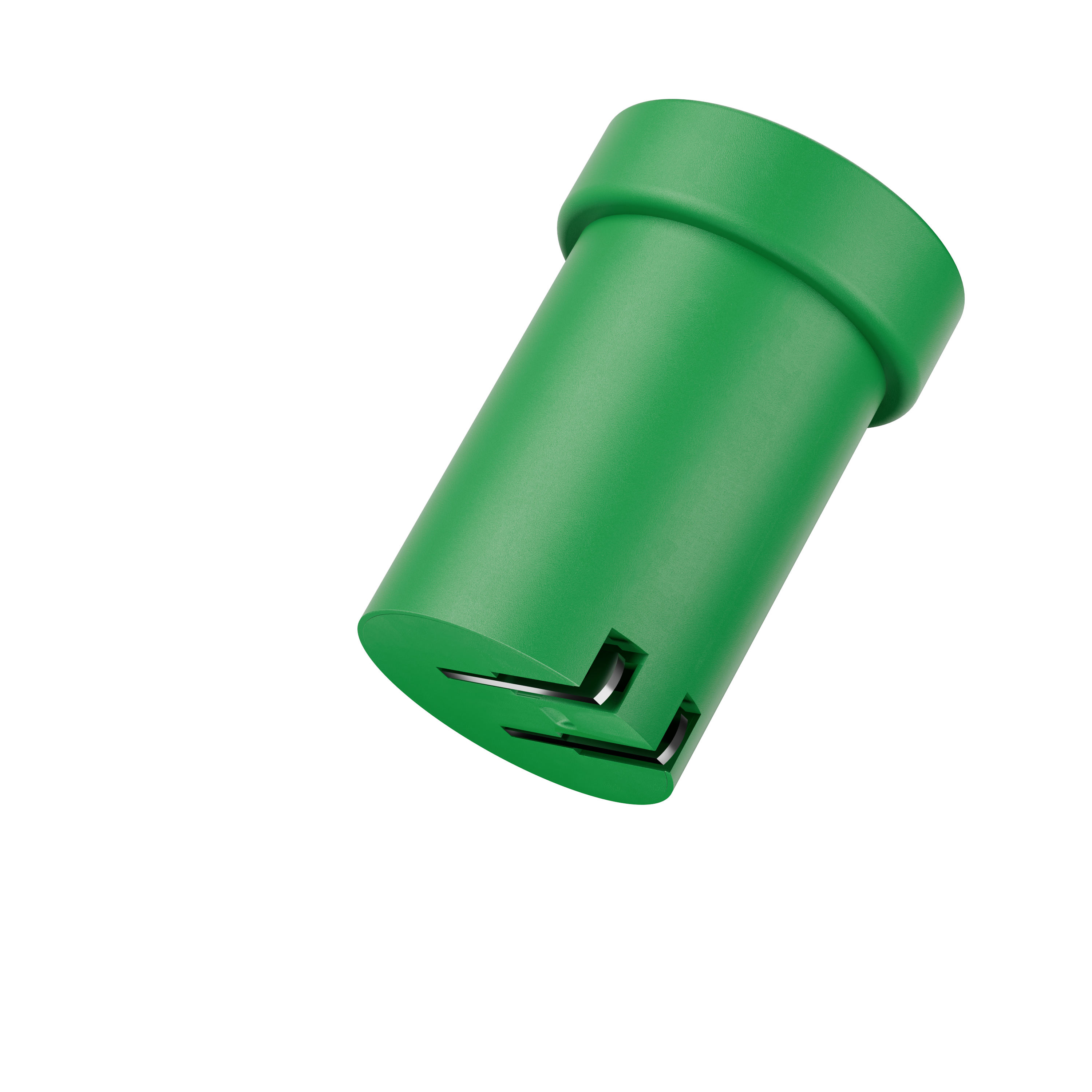
Charging and HDMI docking in one little green pipe. Fold the prongs, pack your cables, and leave more room for the rest of your trip.
少带些装备,多留点空间。
把充电与HDMI拓展装进一只绿色水管。收起插脚、带好线材,把包里的空间留给旅途所需。
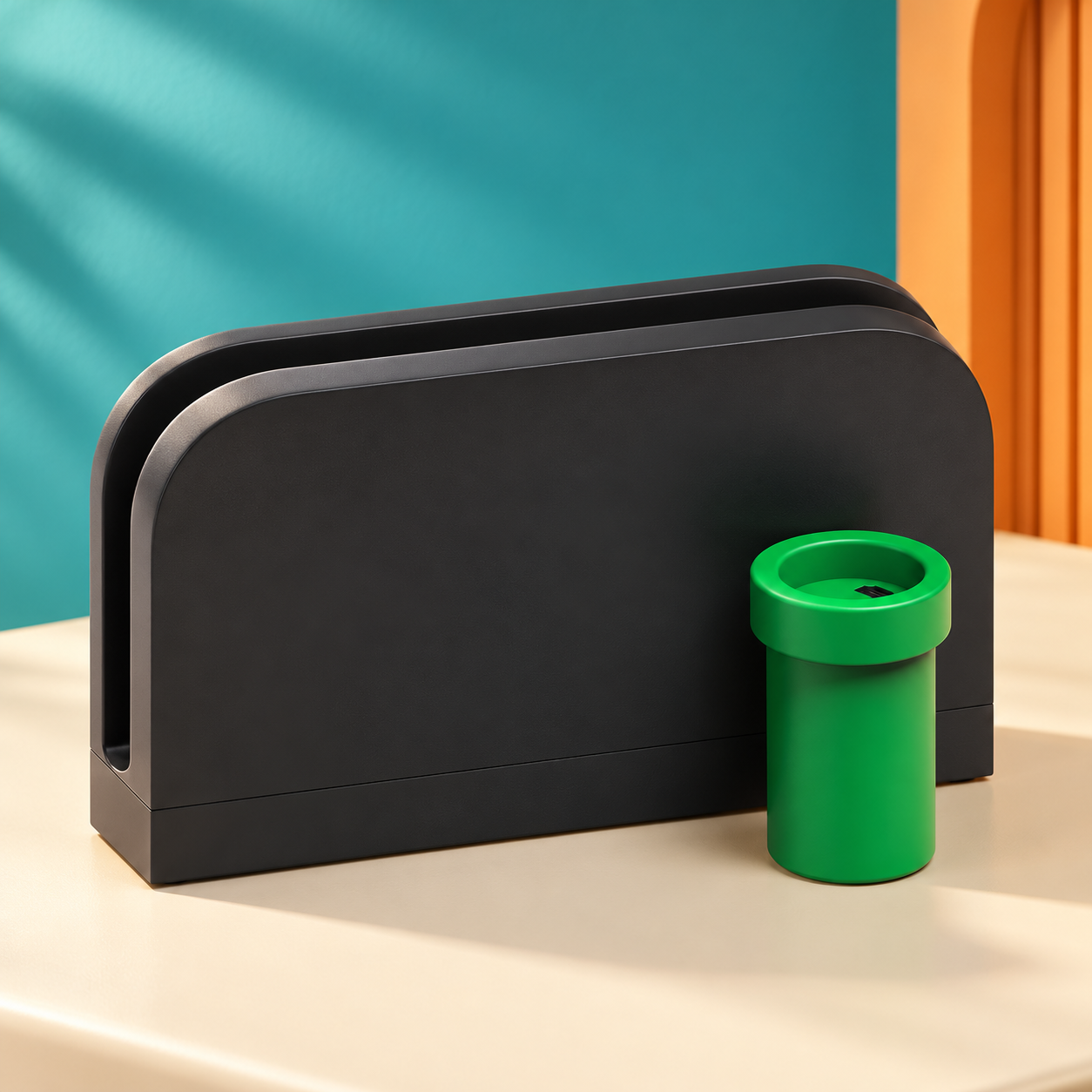
Give every scene room to shine.
Up to 4K/60Hz output brings supported content to your big screen. HDR gives compatible games and video more room to show bright highlights and detail in darker scenes.
Output depends on the source, content, display and cables. 4K/60Hz, HDR and VRR availability varies by setup.
让每一幕,都有值得看的细节。
最高4K/60Hz输出,把支持的内容带上大屏;HDR让兼容游戏与视频展现明亮高光和暗部细节。
实际输出取决于设备、内容、显示器和线材;4K/60Hz、HDR及VRR的可用组合因配置而异。
Stay with the action.
Switch 2 VRR support lets a compatible display follow the game’s changing frame rate, helping reduce visible tearing as the action unfolds.
Requires compatible games, display and connection conditions.
跟上动作,不被画面打断。
支持Switch 2 VRR,让兼容显示器的刷新跟随游戏帧率变化,帮助减少动作过程中可见的画面撕裂。
需兼容的游戏、显示设备及适用连接条件。
More than one way to use your screen.
一块屏幕,不止一种用法。
Your console, your choice.
Connect Nintendo Switch or Switch 2 to a compatible HDMI display.
主机随你选:
将Nintendo Switch或Switch 2连接兼容HDMI显示设备。
Handheld games. A bigger stage.
Bring a supported Steam Deck, ROG Ally or other USB-C handheld PC to your TV or desktop monitor.
掌机游戏,换个更大的舞台:
把支持的Steam Deck、ROG Ally或其他USB-C掌机连接电视或桌面显示器。
A phone-sized library. A movie-sized screen.
Mirror supported movies and videos from a compatible phone or tablet. Pair a supported controller for mobile games on the big screen.
手机里的片库,搬上大屏:
从兼容手机或平板输出支持的电影与视频;搭配支持的控制器,也能在大屏体验手机游戏。
From a workday presentation to an evening game.
Connect a compatible laptop to an HDMI monitor or projector for your slides, then switch back to entertainment when the work is done.
白天展示方案,晚上切回游戏:
用兼容笔记本连接HDMI显示器或投影设备展示幻灯片,工作结束后再回到娱乐。
USB-C devices must support video output. App, content and controller compatibility varies; controllers are separate accessories.
USB-C设备需支持视频输出;应用、内容和控制器兼容性各异,控制器另配。
A place for your screen, your device and your gear.
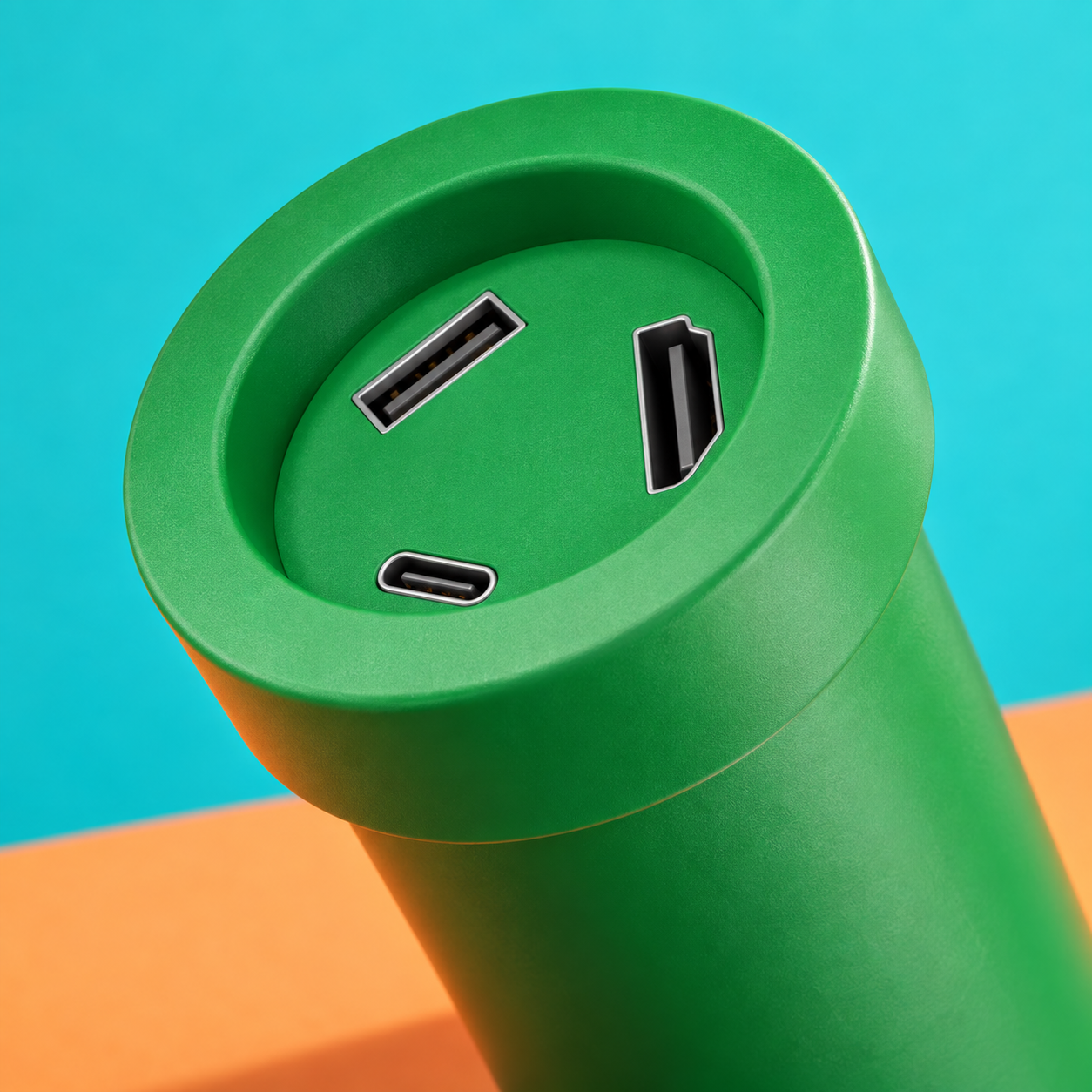
HDMI: connect a compatible TV or monitor.
USB-C: connect a supported device for charging and video output.
USB-A: connect supported accessories.
Use a video-capable USB-C cable and the required HDMI cable for your setup.
屏幕、设备、外设,各接其位。
HDMI:连接兼容电视或显示器。
USB-C:连接支持的设备,实现充电与视频输出。
USB-A:连接支持的外设。
按连接需求使用支持视频的USB-C线和所需HDMI线。
Leave your home setup ready to play.
Keep the original dock connected at home and take Pipe Dock Gen 2 on your next trip. Or give another compatible screen its own setup, so moving rooms doesn’t mean dismantling your main one.
出门玩,家里的配置留在原位。
原装底座继续接在家中,下次旅行带上水管二代。也可以为另一块兼容屏幕安排一套连接,换个房间,不必把主要游戏配置拆来拆去。
Off the TV. Still on duty.
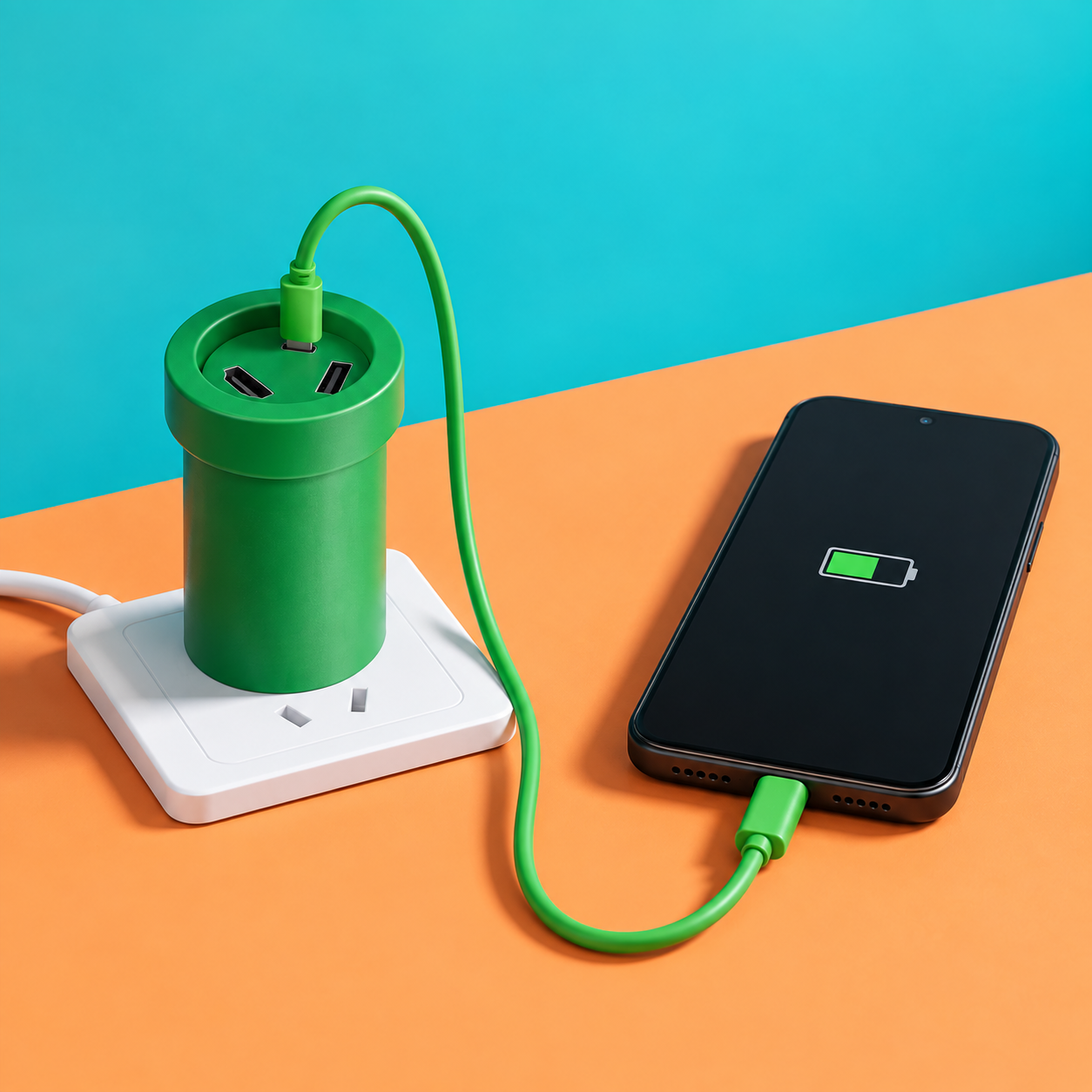
No HDMI display connected? Use Pipe Dock Gen 2 as an everyday USB-C PD charger. Keep playing in handheld mode while charging, or power a compatible phone, tablet or laptop with up to 60W output.
Actual charging power depends on the device and cable.
离开电视,它仍然派得上用场。
不接HDMI显示器时,水管二代也能作为日常USB-C PD充电器。转回掌机模式继续边充边玩,或为兼容手机、平板、笔记本供电,最高输出60W。
实际充电功率取决于设备与线材。
Bring your favorite controls into the game.
把你熟悉的操作方式接进来。
Connect a supported wired controller or controller adapter through USB-A and play the way you prefer.
通过USB-A接入支持的有线控制器或手柄适配器,按自己习惯的方式开玩。
A wired option when you want one.
Add a compatible USB Ethernet adapter to connect your setup to a wired network.
想用有线网络时,多一个选择:
搭配兼容USB以太网适配器,将配置接入有线网络。
Ready to share your gameplay?
Connect HDMI output to a compatible capture card to build a recording or streaming setup.
想分享你的游戏过程?
将HDMI输出接到兼容采集卡,搭建录制或直播配置。
Adapters and capture equipment are separate accessories. Compatibility varies by device; a wired connection does not guarantee lower latency.
适配器及采集设备另配,具体兼容性因设备而异;有线连接不保证降低延迟。
Keep your dock ready for what you play.
When a firmware update is available, download it to your computer and connect Pipe Dock Gen 2 by cable to install it. Bring released improvements to the dock already in your setup.
让手里的拓展坞,也能跟进更新。
有可用固件时,在电脑下载,再通过线材连接水管二代进行安装。把已经发布的改进装进现有设备。
电脑下载可用固件
通过线材连接
按指引完成升级
A little green.
A complete look.
添一点绿,
搭出自己的风格。
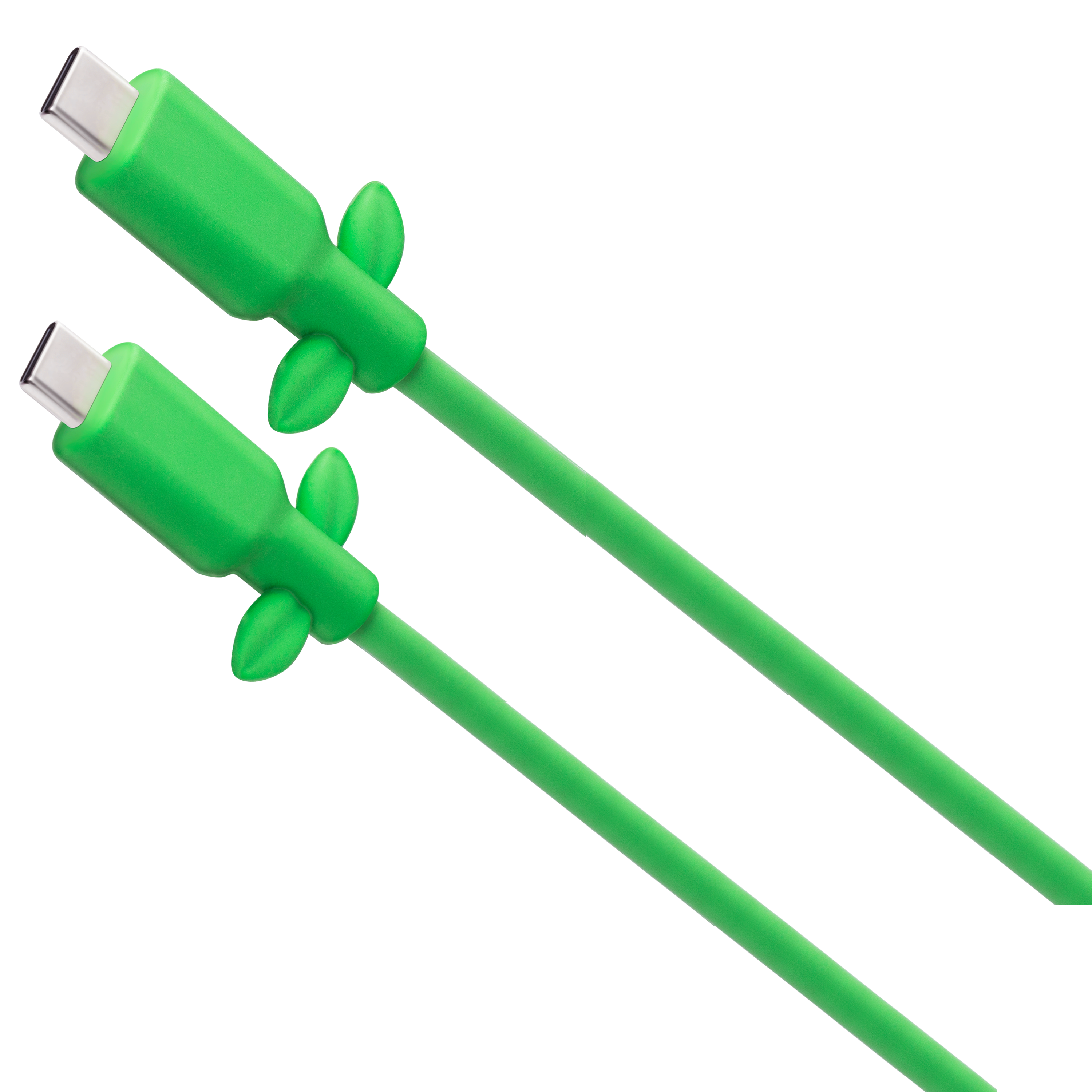
Pair your Pipe Dock with the Leaf Cable. A playful finishing touch for your gaming setup.
水管拓展坞搭配叶子数据线,为游戏桌面添一点玩心。
A playful green pipe with a place in your setup.
Useful when you plug it in. Playful when you leave it out. Give your gaming corner a dock that feels like part of the fun.
一只绿色水管,值得在桌面留个位置。
接上时实用,摆着也有玩心。给你的游戏角落添一件融入游戏氛围的拓展坞。
Ready, set, connect.
出发前,把装备带齐。
水管拓展坞Supported device
兼容设备Video-capable USB-C cable
支持视频的 USB-C 线HDMI cable
HDMI 线材
以上为使用所需用品,不代表包装清单。具体套装内含物待确认。
New destination.
Familiar game night.
目的地变了,
熟悉的游戏之夜继续。
Before travelling, check the dock’s input-voltage rating and the plug adapter required at your destination.
跨国出行前,核对拓展坞铭牌的输入电压范围,并准备目的地所需的插头转接器。
Small questions.
Clear answers.
Can I use it with a capture card?
Yes. Connect the dock’s HDMI output to a compatible capture card, then follow the capture card’s setup instructions. The capture card, receiving device and software are separate requirements.
能搭配采集卡使用吗?
可以。将拓展坞的HDMI输出接入兼容采集卡,再按采集卡说明完成设置。采集卡、接收设备及软件需另行准备。
Does the dock record or stream gameplay by itself?
No. Recording, livestreaming or using an iPad as an input display requires additional compatible capture hardware and software.
拓展坞本身能录屏或直播吗?
不能。录制、直播,或把iPad作为接收画面的显示设备,需要额外的兼容采集硬件与软件。
Must it always be plugged into wall power?
Switch and Switch 2 require external power for docking. Some other supported devices can use the dock/hub connection without wall power; availability depends on the device and setup.
必须一直插电吗?
Switch和Switch 2的电视拓展需要外接供电。部分其他支持的设备可以在不接墙上电源时使用拓展连接,具体取决于设备与配置。
Will every game run at 4K/60Hz?
No. This is an output capability, not a promise of every game’s resolution or frame rate.
所有游戏都能4K/60Hz吗?
不能这样理解。这是输出能力,不是对每款游戏分辨率或帧率的保证。
How do I update it?
Download available firmware to a computer, then connect the dock by cable to install it.
如何升级?
在电脑下载可用固件后,接线安装。
What do I need for VRR?
Compatible games, a supported display and the appropriate connection conditions.
VRR需要什么?
兼容游戏、支持的显示设备及适用连接条件。
Where will you plug in next?
A game night with friends. A movie away from home. A screen for your next idea. Bring Pipe Dock Gen 2 along.
Build your setup ↗